
Cutlist Optimizer
Packs a cutting list onto sheets with the least waste.
Who it is for
A carpenter with a cutting list and a stack of sheets. Before the first pass of the saw they need to know how many sheets the job takes, what it will cost, and which layout wastes the least material — and the answer has to be readable in the workshop, on a phone, not on an office workstation.
Three steps to a cut plan
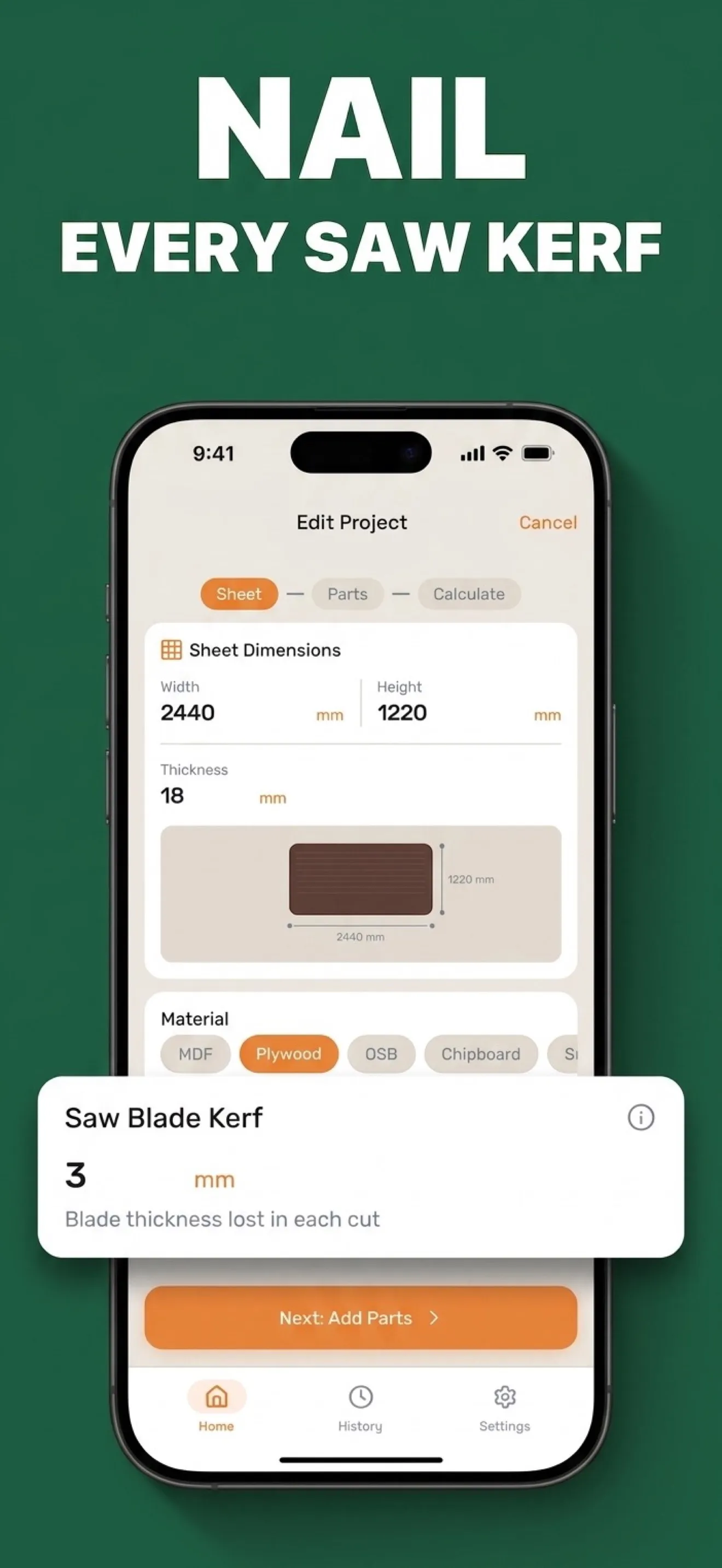
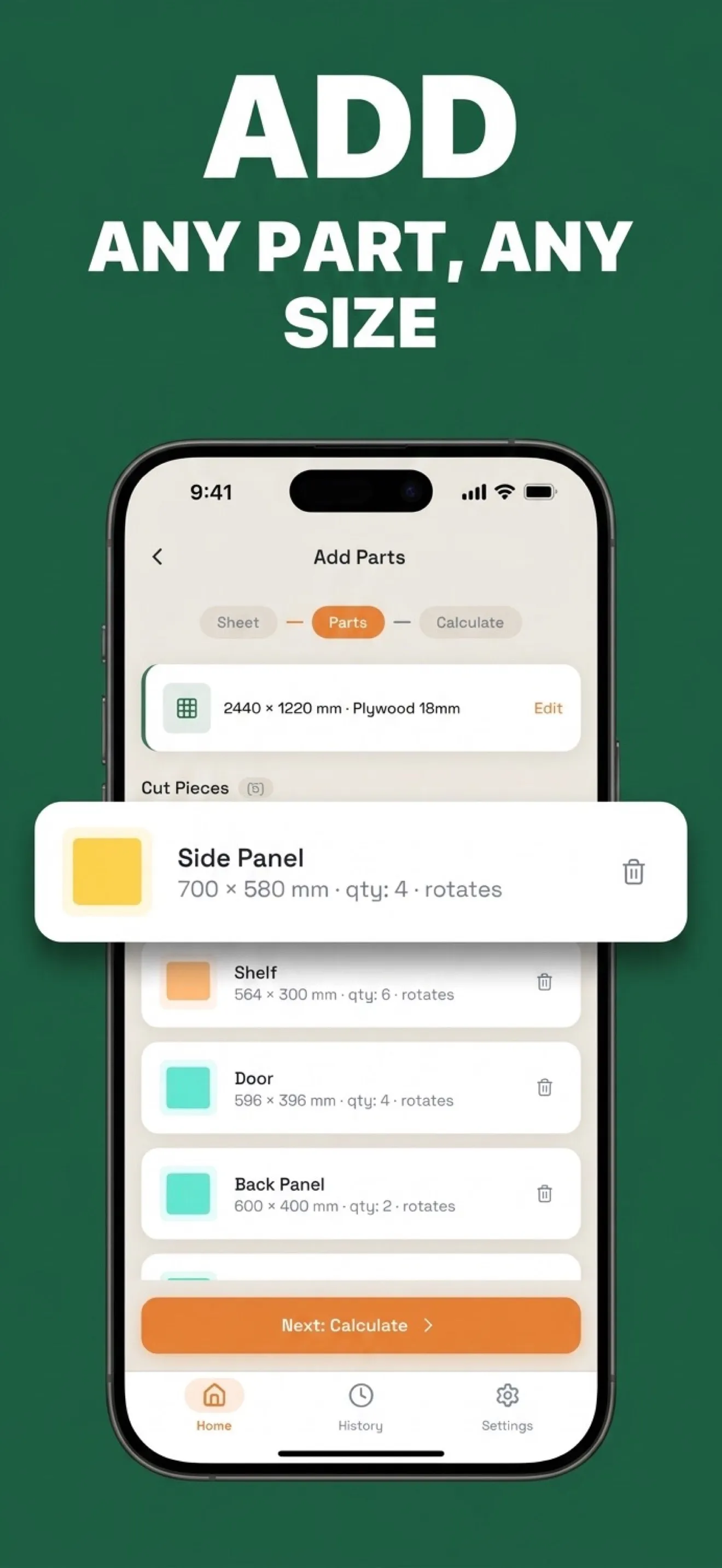
Sheet, parts, calculate. The sheet carries its real dimensions, material and thickness; a part is a name, a width and a height — in millimetres or in true fractional inches — a quantity, and whether it may rotate 90°. The packer is kerf-aware: the blade's own thickness is a setting, so every cut loses exactly what the real saw loses and the plan on the screen is the plan the workshop can actually cut.
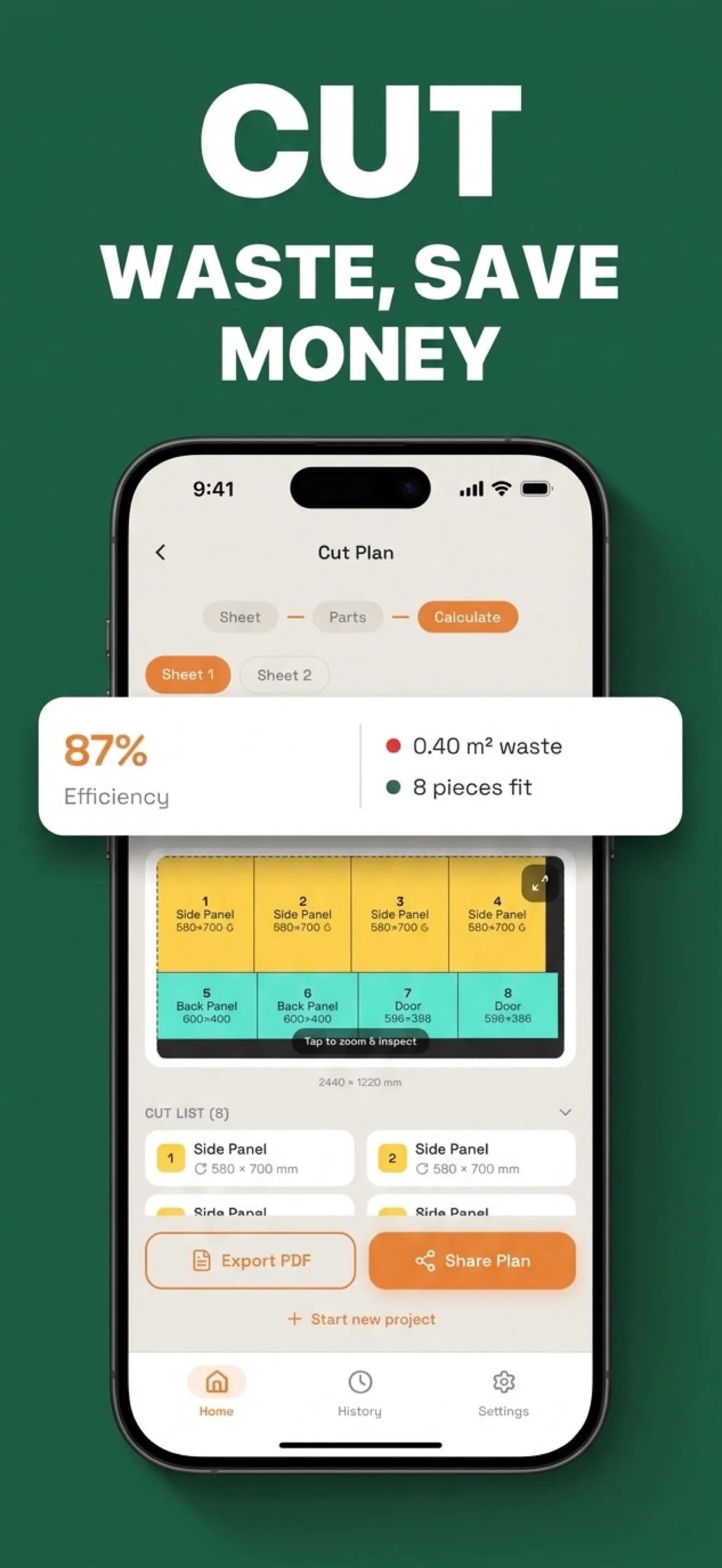
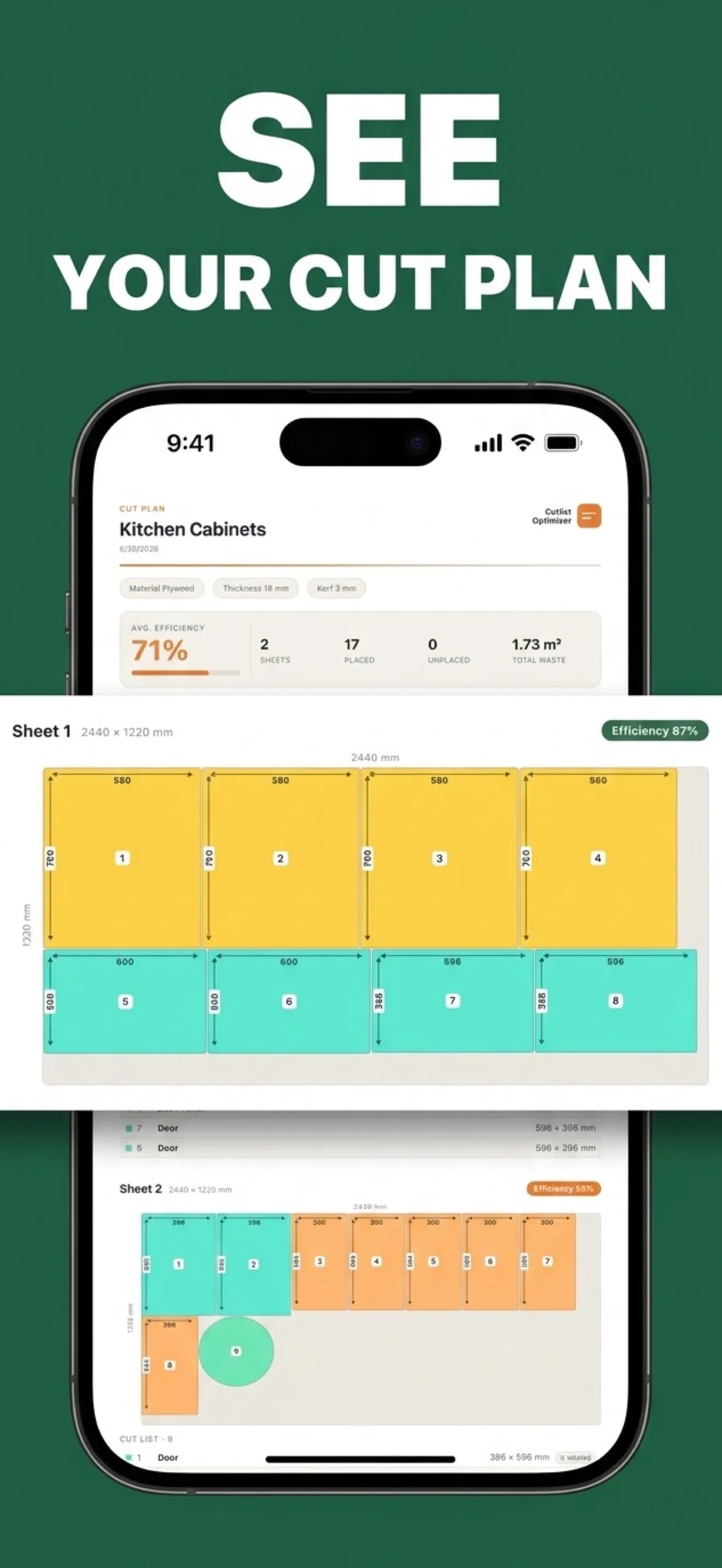
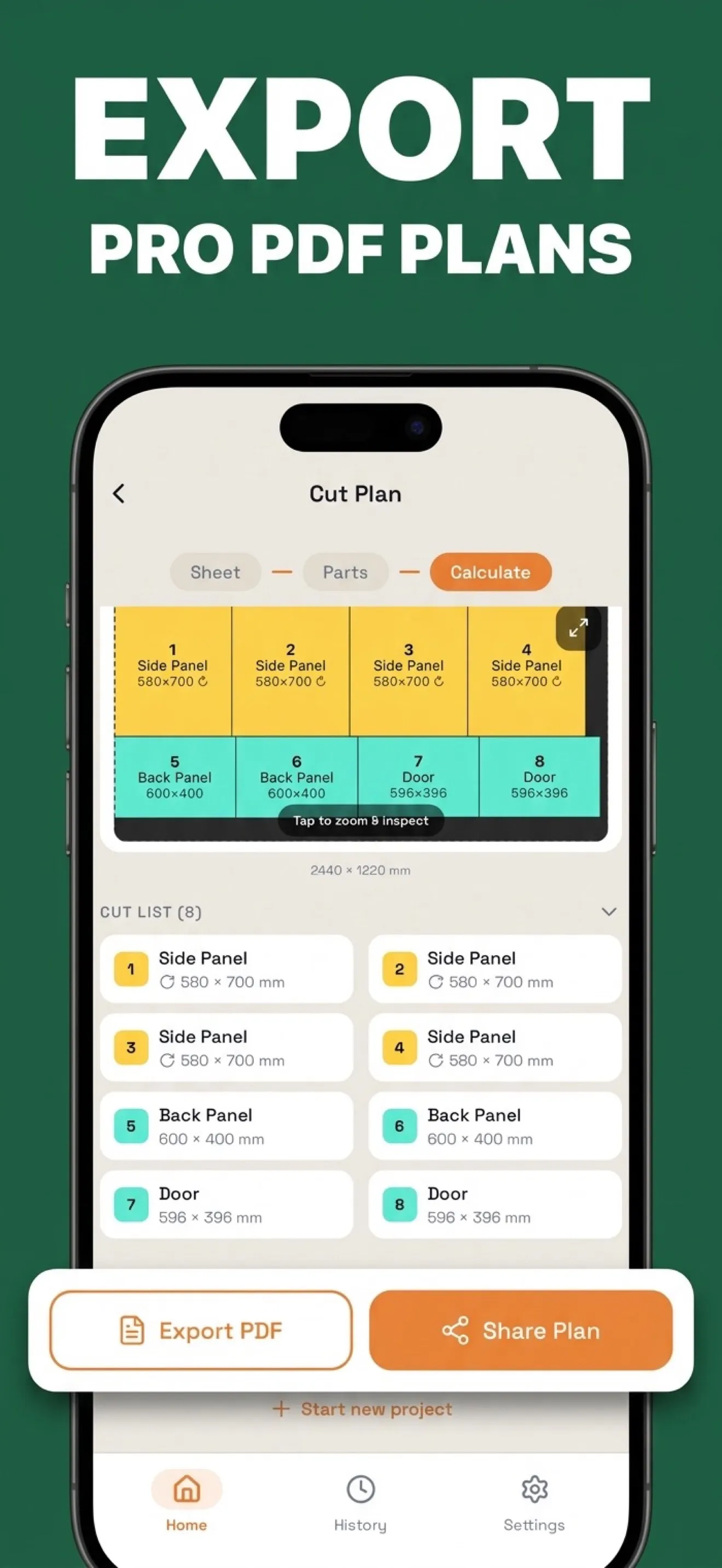
- The result is drawn, not tabulated: numbered, colour-coded parts on the sheet, with efficiency, waste area and pieces fit sitting right above the drawing. Tap to zoom and inspect.
- Cut sequence walks the plan one pass of the saw at a time, instead of leaving the order to be worked out at the machine.
- The cost estimate prices the job before it starts: sheets used, what the waste costs, cost per piece. Edge banding is part of the part — tap the edges that get tape and the plan totals the banded edges and the tape length.
- Offcuts go on the rack, not in the bin: leftovers are saved with their material and thickness and offered back to the next plan.
- The finished plan exports as a PDF or is shared straight from the phone.
Stack
- React Native
- Expo
- TypeScript
- Unistyles
- React Navigation
- react-native-svg
- Nitro Modules
- i18next
- expo-print
- RevenueCat
- AdMob
- PostHog
- Sentry
- oxlint
- oxfmt