
G-Code Generator
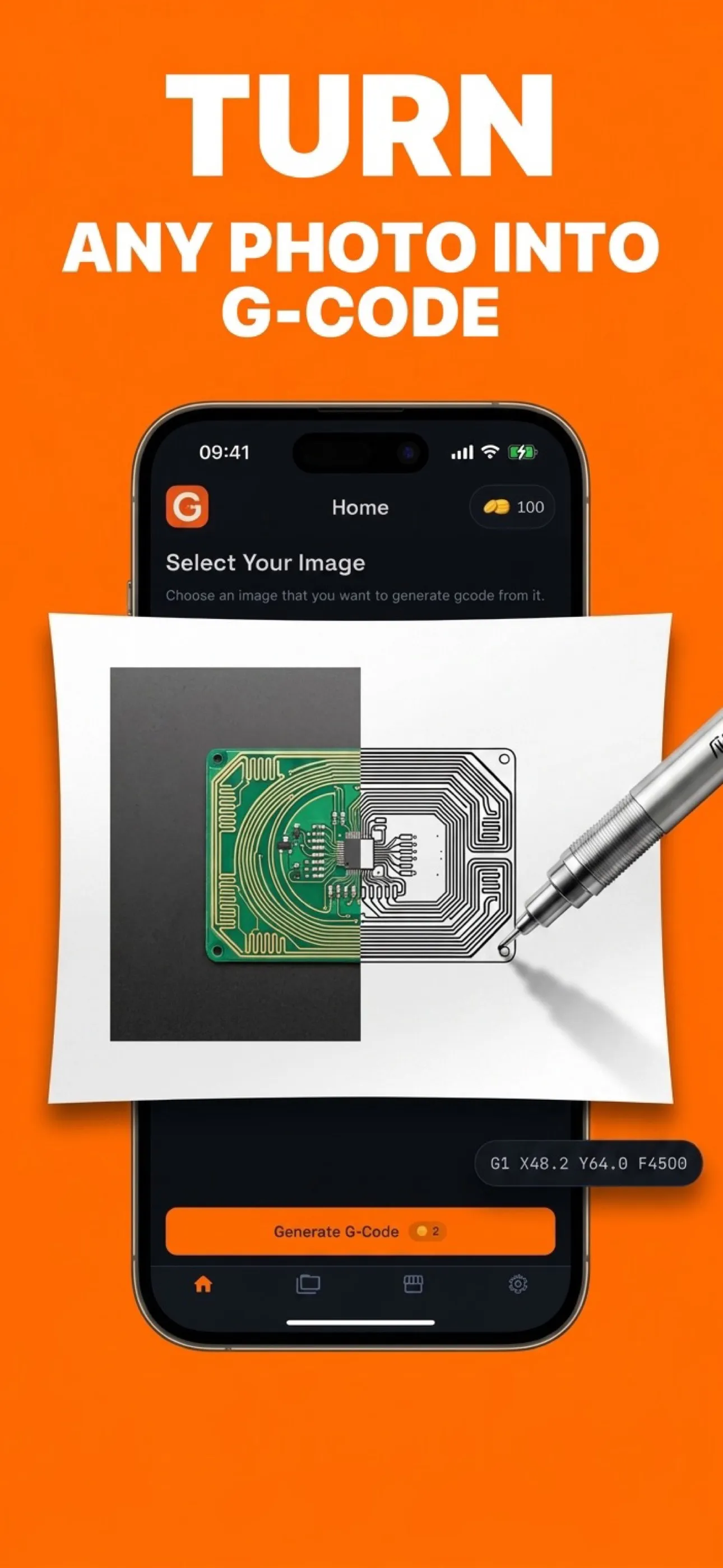
Turns a drawing into machine-ready G-code on a phone.
Who it is for
Someone with a CNC router, a laser or a pen plotter, and an image they want cut. The conventional path to a toolpath runs through desktop CAM software: trace the image to vectors in one program, clean the vectors in another, generate G-code in a third. That is an evening of work for a job that takes the machine four minutes.
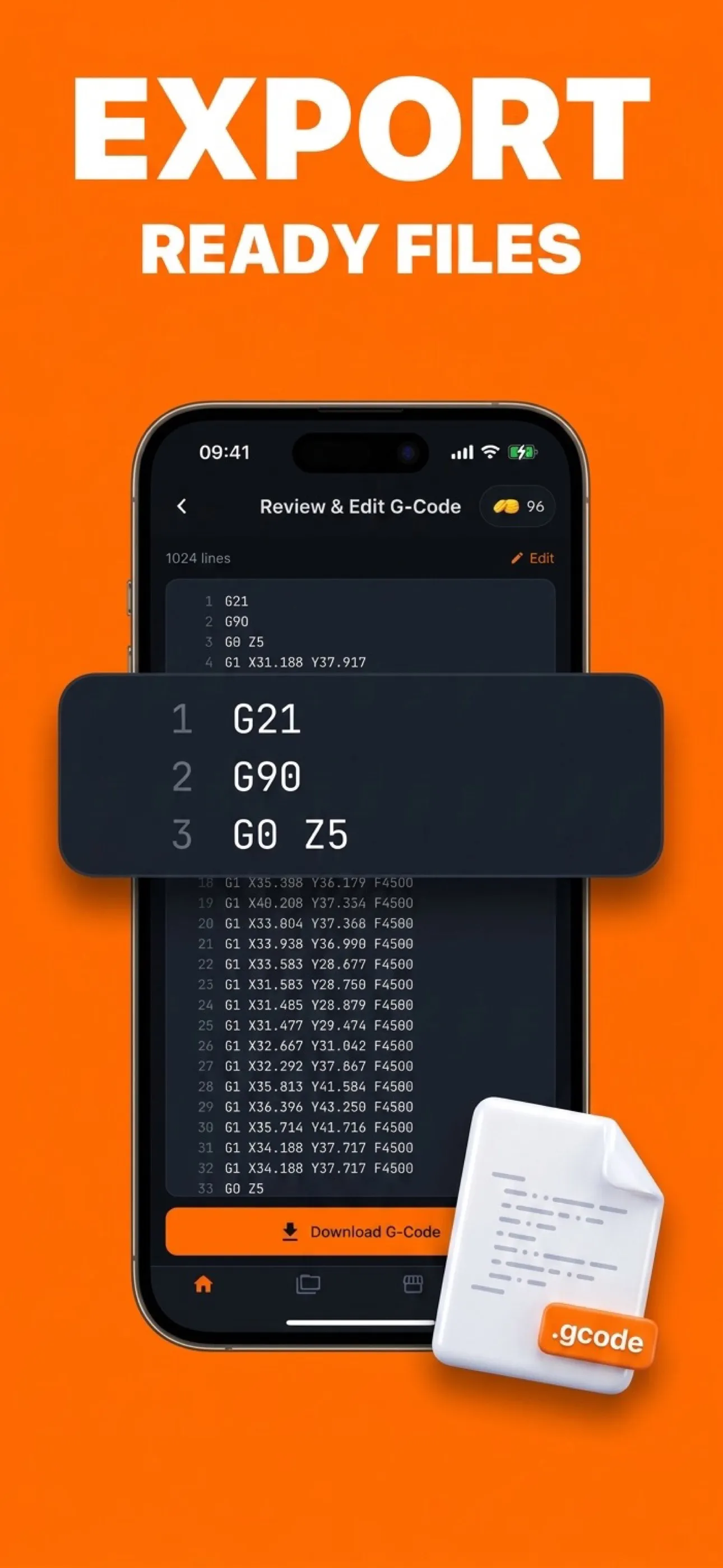
This app collapses that into a phone. Pick an image, choose how it should be traced, look at the toolpath, export the G-code.
The technical problem
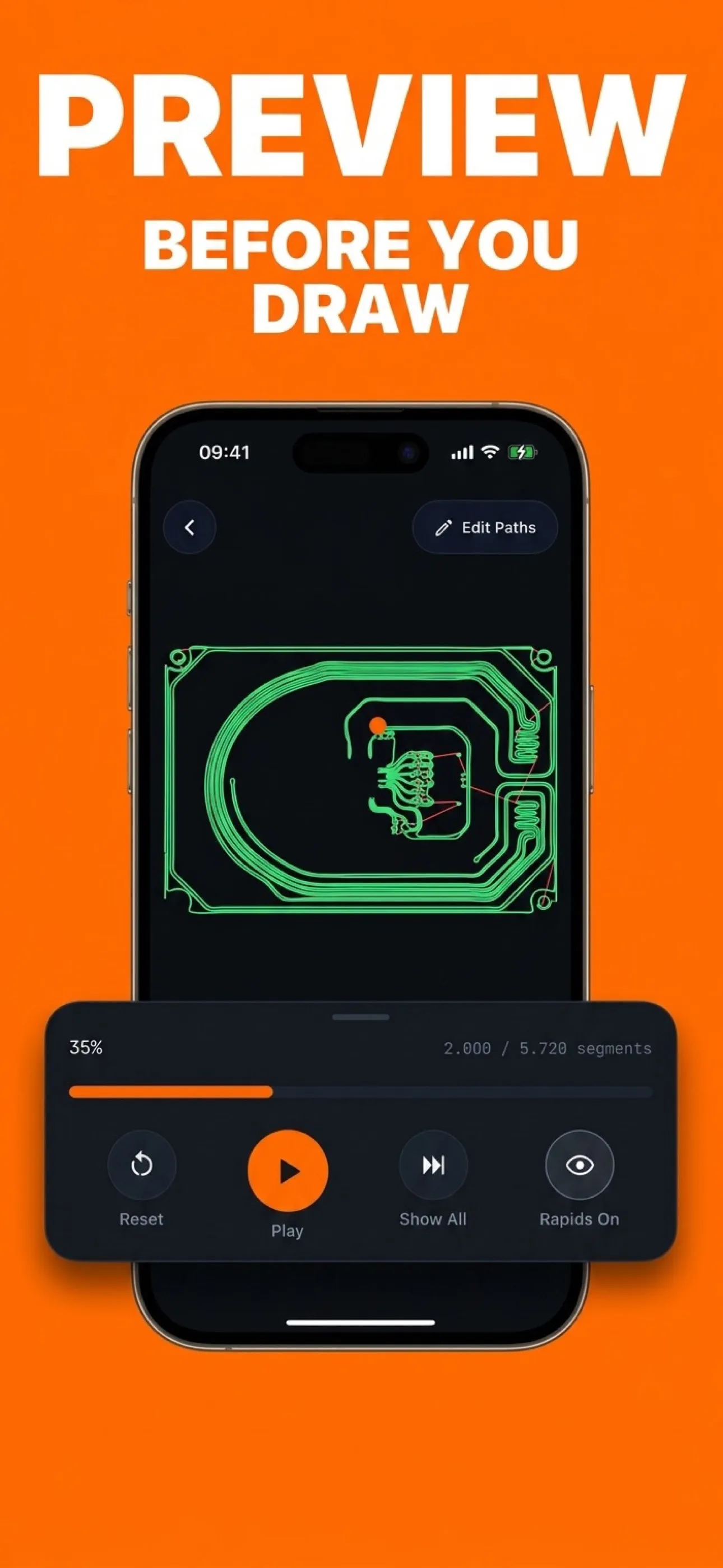
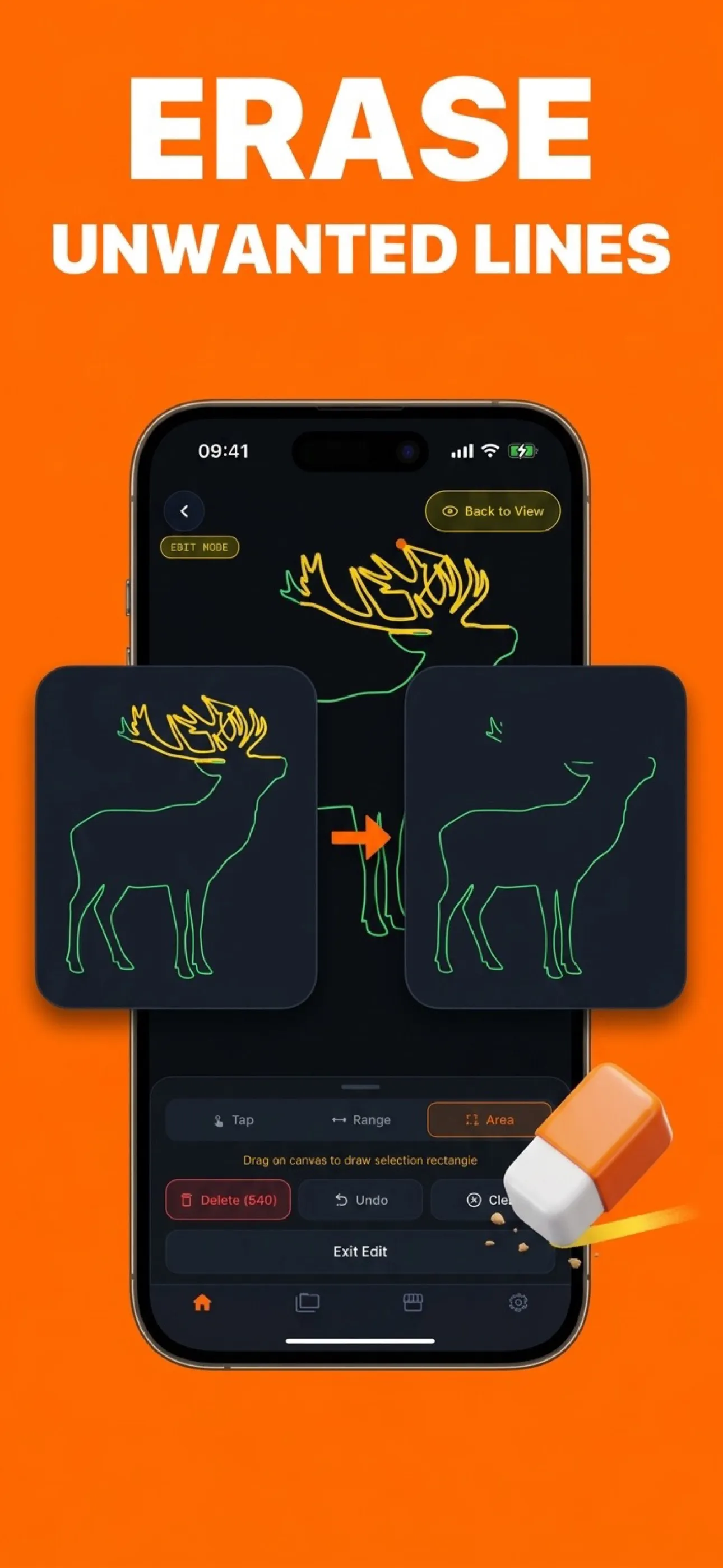
Showing the toolpath before the machine runs it. A generated toolpath is not a picture; it is an ordered list of moves, and the two questions a user actually has are "what order does it cut in" and "does it fit my bed". So the preview draws the real path — tens of thousands of segments scaled to your work area — animates the traversal, and lets you tap a line to inspect it.
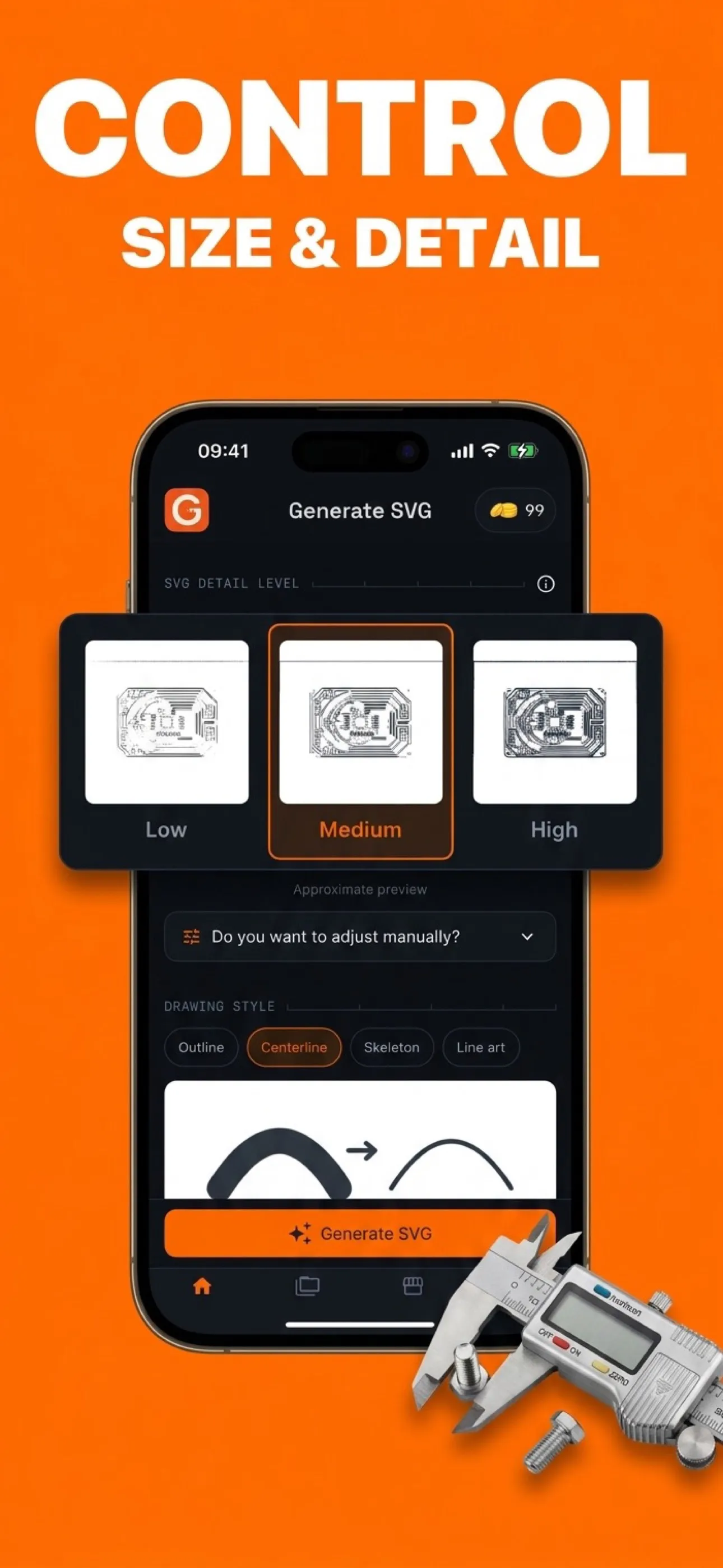
Tracing is where the same image becomes four different jobs. Outline traces both sides of every edge and draws each stroke twice, which is the most detailed and the slowest. Centerline, skeleton and line art each trade fidelity for machine time. The choice belongs to the user, so the app has to make the difference legible before a credit is spent, not after.
Stack
- React Native
- Expo
- TypeScript
- Skia
- react-native-svg
- TanStack Query
- Zustand
- Unistyles
- Zod
- RevenueCat
- Sign in with Apple